

JSON-LD structured data is a small block of code that tells Google what a page is about. It uses schema.org, a shared vocabulary, to say who runs the business, where it is, what it sells and who wrote the article. Google recommends this format over the other two, Microdata and RDFa. Its search gallery, updated October 16, 2026, lists 25 rich-result features (special search listings, such as star ratings or event dates), and FAQ is no longer on that list. For AI answers, Google says no special markup is needed.
The free site check lists which of the blocks below your own pages are missing.
Key facts
| Question | Answer (as of October 2026) | Source |
|---|---|---|
| Which format does Google prefer? | JSON-LD, "if your site's setup allows it" | Google Search Central |
| Do AI Overviews need special schema? | No. Google says there is "no special schema.org structured data that you need to add" | Google Search Central |
| Are FAQ rich results still shown? | No. Google stopped showing them on May 7, 2026 | Google Search Central updates |
| Is Speakable for everyone? | No. It is a beta for English-language news content, U.S. users, Google Assistant devices | Google Search Central |
| Does markup guarantee a rich result? | No. "Google does not guarantee that your structured data will show up" | Google Search Central |
Our schema series has four deep dives under this guide: a local business schema example, an organization schema example, the structured data types that still earn rich results, and FAQ schema and AI citations.
What is JSON-LD structured data?
JSON is a common data format, and the LD stands for linked data. Together they are a way of writing structured data as a script tag in your HTML, separate from the visible text. Google defines structured data as "a standardized format for providing information about a page and classifying the page content." The words inside come from schema.org, a shared vocabulary of types such as Organization and BlogPosting.
Without it, a search engine has to infer from your prose that a page describes a service, offered by a business in Toronto, with a phone number. With it, you state those facts once, in fields a parser reads without guessing.
Every block in this guide goes inside a script tag like this one, usually in the page's <head>:
<script type="application/ld+json">
  { "@context": "https://schema.org", "@type": "Organization", "name": "Example Co." }
</script>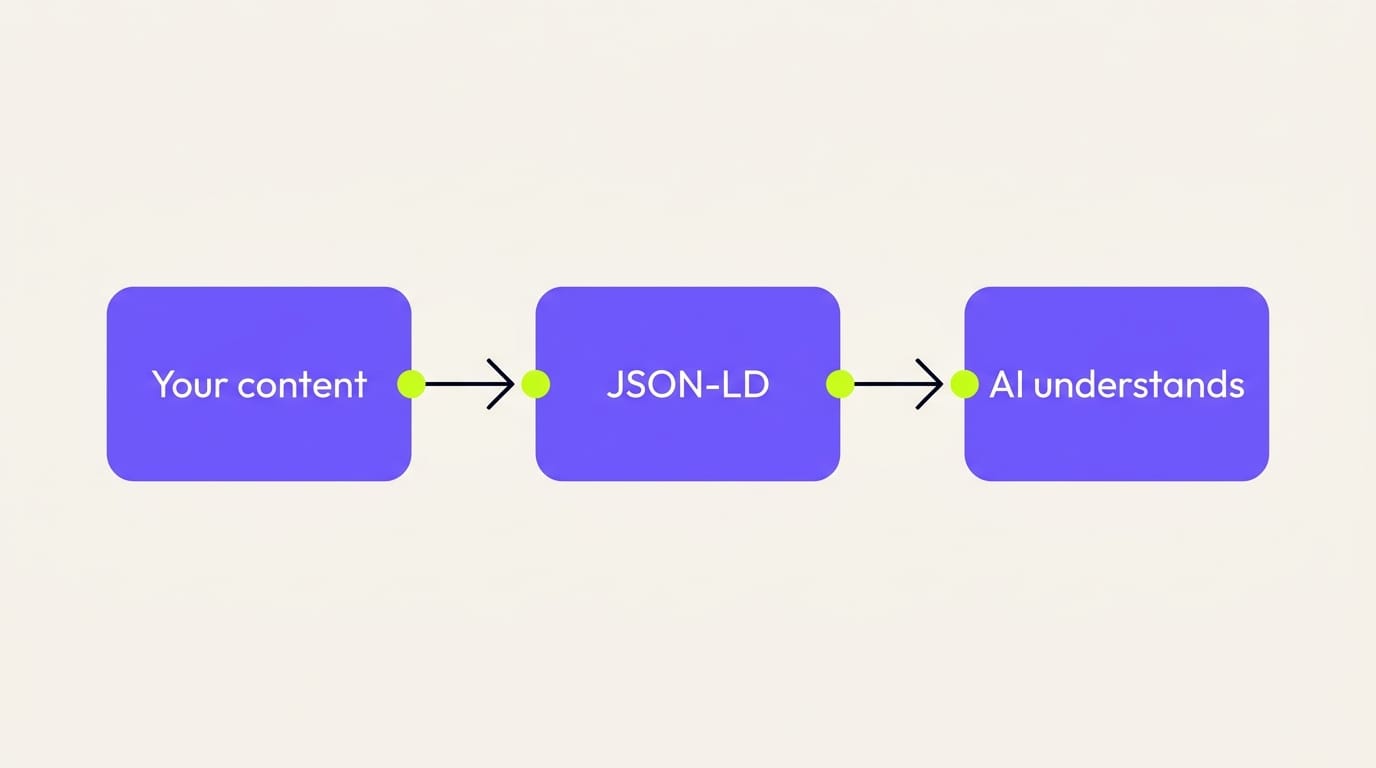
Which JSON-LD schema matters for AI search?
No schema type is special for AI search, according to Google. Its page on AI search features says "there's also no special schema.org structured data that you need to add," and that covers AI Overviews. What the docs do say is that structured data helps the search engine understand a page, and that markup must match the visible text on the page. The rest, about AI assistants, is our inference, so the table keeps the two apart.
| Schema type | What Google documents (October 2026) | What we infer for AI assistants |
|---|---|---|
| Organization | A search gallery feature. Helps Google "better understand your organization's administrative details" and can affect your logo and knowledge panel | The cleanest statement of who you are, your name, logo and profiles, for any system that reads it |
| LocalBusiness | A search gallery feature. Requires name and address; Google says to use "the most specific LocalBusiness sub-type possible" | Supports the same facts an assistant needs to answer "who does X near me" |
| BlogPosting | Covered by Google's Article docs. Recommends author, datePublished, dateModified, headline, image | Makes the author and the last real update unambiguous |
| BreadcrumbList | A search gallery feature (Breadcrumb) | Shows where a page sits in the site |
| Service | Valid schema.org type. No Google rich result | Gives a parser the service name, area and price in one place |
| FAQPage | Valid schema.org type. Google stopped showing the rich result on May 7, 2026 | The visible Q&A it mirrors is easy to extract; the markup itself is no lever |
| Speakable | Beta, English news content, U.S. Google Assistant devices | No documented role in chat assistants |
The inference has a limit. In a test published June 16, 2026, agency director Mark Williams-Cook hid a fake company address inside deliberately broken markup. He then asked two AI chat tools where the company was based. ChatGPT and Perplexity both answered from the broken code. His conclusion was that the models "were not parsing it as schema" at all. Even so, he writes, "I think you should still use it," and we agree.
So here is the practical answer for answer engine optimization, meaning getting your business named inside ChatGPT and Google's AI answers. Ship the types the docs describe, make every value match the page, and treat any AI benefit as a side effect of being better understood. Our breakdown of how ChatGPT recommends local businesses covers what else feeds those answers.
Six copy-paste JSON-LD structured data blocks
Each block below is valid JSON, built from the Search Central docs and the schema.org definitions, with fake values. Swap in your real details, keep only properties that are true and visible on the page, then test.
The blocks share one trick: an @id, a stable URL-shaped name for an entity. The company block gets https://www.example.com/#organization, and every other block points at that address instead of repeating the company's details. Six separate snippets become one connected description of the business.
1. Organization (homepage or About page)
The organization docs say "there are no required properties." Recommended ones include name, url, logo, sameAs, address, telephone and email.
{
  "@context": "https://schema.org",
  "@type": "Organization",
  "@id": "https://www.example.com/#organization",
  "name": "Example Co.",
  "legalName": "Example Co. Inc.",
  "url": "https://www.example.com/",
  "logo": "https://www.example.com/images/logo.png",
  "description": "Example Co. designs and builds websites for small businesses in Toronto.",
  "email": "[email protected]",
  "telephone": "+1-416-555-0100",
  "foundingDate": "2019",
  "address": {
    "@type": "PostalAddress",
    "streetAddress": "100 Example Street",
    "addressLocality": "Toronto",
    "addressRegion": "ON",
    "postalCode": "A1A 1A1",
    "addressCountry": "CA"
  },
  "sameAs": [
    "https://example.net/profile/example-co",
    "https://example.org/@example-co"
  ]
}
The sameAs list is where your real profile URLs go, such as your company's LinkedIn page. The organization schema guide covers which profiles to list.
2. LocalBusiness (each location page)
The local business docs require name and address. They recommend geo, openingHoursSpecification, priceRange, telephone and url, and say to use the most specific subtype that fits, such as Dentist or Restaurant. We use the generic type here because a web studio has no closer match.
{
  "@context": "https://schema.org",
  "@type": "LocalBusiness",
  "@id": "https://www.example.com/locations/toronto#location",
  "name": "Example Co. Toronto",
  "parentOrganization": { "@id": "https://www.example.com/#organization" },
  "url": "https://www.example.com/locations/toronto",
  "telephone": "+1-416-555-0100",
  "priceRange": "$$",
  "image": "https://www.example.com/images/toronto-studio.jpg",
  "address": {
    "@type": "PostalAddress",
    "streetAddress": "100 Example Street",
    "addressLocality": "Toronto",
    "addressRegion": "ON",
    "postalCode": "A1A 1A1",
    "addressCountry": "CA"
  },
  "geo": {
    "@type": "GeoCoordinates",
    "latitude": 43.6532,
    "longitude": -79.3832
  },
  "openingHoursSpecification": [
    {
      "@type": "OpeningHoursSpecification",
      "dayOfWeek": ["Monday", "Tuesday", "Wednesday", "Thursday", "Friday"],
      "opens": "09:00",
      "closes": "17:00"
    }
  ]
}
Subtypes, multiple locations and service-area businesses are in the local business schema guide.
3. Service (each service page)
Service is a schema.org type with provider, serviceType, areaServed and offers. There is no rich result for it in Google Search, so this block is for clarity, not a search feature.
{
  "@context": "https://schema.org",
  "@type": "Service",
  "@id": "https://www.example.com/services/website-redesign#service",
  "name": "Website redesign",
  "serviceType": "Web design",
  "description": "A full redesign of an existing small-business website, from content plan to launch.",
  "provider": { "@id": "https://www.example.com/#organization" },
  "areaServed": { "@type": "City", "name": "Toronto" },
  "url": "https://www.example.com/services/website-redesign",
  "offers": {
    "@type": "Offer",
    "price": "5000",
    "priceCurrency": "CAD"
  }
}
Only include offers if the price is published on that page. A price that a visitor can't see breaks the rule against marking up content "that is not visible to readers of the page."
4. BlogPosting (every article)
The article docs cover Article, NewsArticle and BlogPosting, with no required properties. The recommended ones are author (with name and url), datePublished, dateModified, headline and image.
{
  "@context": "https://schema.org",
  "@type": "BlogPosting",
  "headline": "How to Pick a Web Designer in Toronto",
  "description": "Ten questions to ask before you sign a website contract.",
  "image": [
    "https://www.example.com/images/blog/pick-a-designer-16x9.jpg",
    "https://www.example.com/images/blog/pick-a-designer-4x3.jpg"
  ],
  "datePublished": "2026-03-12T09:00:00-04:00",
  "dateModified": "2026-10-22T09:00:00-04:00",
  "author": {
    "@type": "Person",
    "name": "Jane Doe",
    "url": "https://www.example.com/team/jane-doe"
  },
  "publisher": { "@id": "https://www.example.com/#organization" },
  "mainEntityOfPage": "https://www.example.com/blog/how-to-pick-a-web-designer"
}
The docs ask for one author object per person, with only the name in author.name. Set dateModified to the last real edit, not to every deploy.
5. FAQPage (any page with a visible FAQ)
FAQPage holds a mainEntity list of Question items, each with one acceptedAnswer. It no longer earns a rich result, but it is valid markup and harmless to keep.
{
  "@context": "https://schema.org",
  "@type": "FAQPage",
  "mainEntity": [
    {
      "@type": "Question",
      "name": "How long does a website redesign take?",
      "acceptedAnswer": {
        "@type": "Answer",
        "text": "Most Example Co. redesigns launch in six to ten weeks, depending on how much content is ready."
      }
    },
    {
      "@type": "Question",
      "name": "Do you work with businesses outside Toronto?",
      "acceptedAnswer": {
        "@type": "Answer",
        "text": "Yes. Example Co. works with clients across Ontario, mostly over video calls."
      }
    }
  ]
}
The questions and answers must also appear on the page, word for word. Our FAQ schema post covers how to write answers that get lifted into AI responses.
6. BreadcrumbList (every page below the homepage)
The breadcrumb docs require at least two ListItems, each with a position. The last item can skip item, and the page's own URL is used instead.
{
  "@context": "https://schema.org",
  "@type": "BreadcrumbList",
  "itemListElement": [
    {
      "@type": "ListItem",
      "position": 1,
      "name": "Home",
      "item": "https://www.example.com/"
    },
    {
      "@type": "ListItem",
      "position": 2,
      "name": "Blog",
      "item": "https://www.example.com/blog"
    },
    {
      "@type": "ListItem",
      "position": 3,
      "name": "How to Pick a Web Designer in Toronto"
    }
  ]
}
What happened to FAQ rich results and Speakable?
FAQ rich results are gone, and Speakable was never a general AI signal. Earlier versions of this guide overstated both, so here is the record from the source.
FAQ. In August 2023, Google announced it would show FAQ rich results only for "well-known, authoritative government and health websites" from then on. Then, per its changelog, it stopped showing the feature on May 7, 2026, and removed the documentation on June 15. The FAQ type itself is still valid schema.org markup.
Speakable. The Speakable page, last updated September 8, 2026, calls it a beta that is "subject to change," covering English-language news content read aloud on Assistant devices for users in the United States. A service business gains nothing from it, and we no longer recommend it.
Common structured data mistakes
Most broken schema we see isn't missing. It describes a different page from the one on screen. These five mistakes matter most.
| Mistake | Why it costs you | Fix |
|---|---|---|
| Markup says things the page doesn't | Google's policies say don't mark up content "not visible to readers of the page" | Every value in the JSON must be on the page |
| Disconnected entities | Six blocks that each repeat the company details can drift apart | Give the Organization an @id and point every other block at it |
| Sitewide defaults left unedited | A plugin or theme stamps the same description or type on every page | Check each template's output, then fill in page-specific fields |
| Stale or fake dates | dateModified that moves on every deploy tells Google nothing | Change it only when the content changes |
| Deprecated or retired types | schema.org notes the general ProfessionalService type "was deprecated due to confusion with Service" | Use LocalBusiness or a specific subtype, plus Service for what you sell |
On plugins: most website platforms add baseline markup automatically, and for many sites that is a sound start. The work is checking that the output matches each page, not replacing the plugin.
How do you add and test JSON-LD structured data?
Add the blocks in order of how much they say about your business, Our order for a small-business site:
| Order | Block | Where it goes |
|---|---|---|
| 1 | Organization | Homepage |
| 2 | LocalBusiness | Each location page |
| 3 | BreadcrumbList | Every page below the homepage |
| 4 | BlogPosting | Every article |
| 5 | Service | Each service page |
| 6 | FAQPage | Wherever a visible FAQ already exists |
Test each page template with two tools. The Rich Results Test shows whether a page qualifies for the features Google displays. The validator at schema.org checks any schema.org type, including Service, which the first tool ignores. After launch, test again whenever a template changes.
Every site we build ships with page-specific markup for these types, tied together by @id. The free site check shows which ones your current site is missing.
What structured data won't do
The markup does not rank a weak page, and Google's guidelines say it "does not guarantee" a rich result either. Nor does it make ChatGPT or Perplexity cite you. The broken-markup test above suggests chat models read the markup as plain text, so what they quote is your visible content. We have not measured citation lift from schema alone, and the published figures we've seen come from vendor studies that don't share their method.
If an AI assistant can't find you at all, the cause usually sits upstream of schema, in crawl access or thin pages. Why your website is invisible to AI walks through those checks.